npm install vue-scrollyvue-scrolly !npm tag
> Overlay scrollbar for Vue.js.
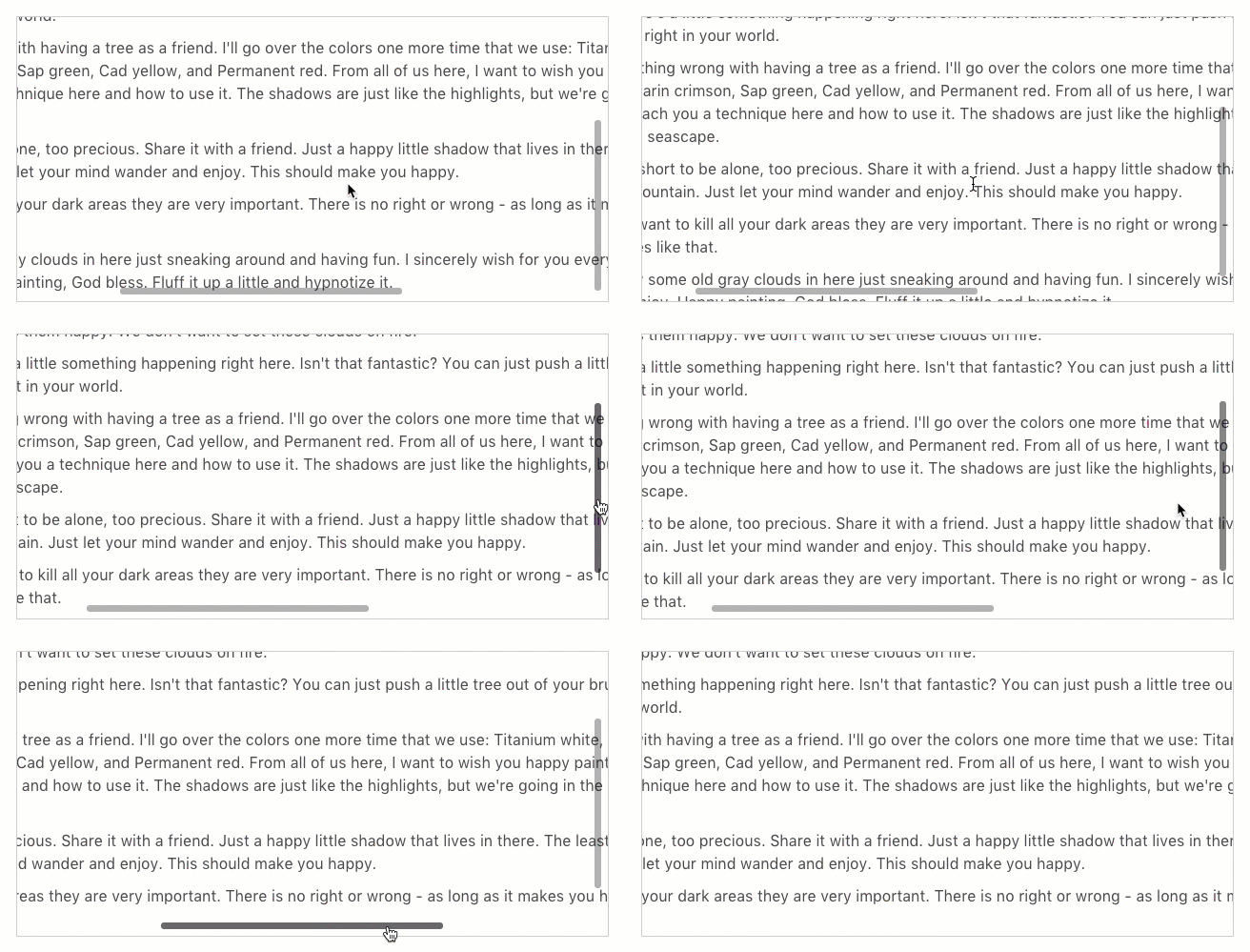
Check out the live demo.
Features
* Supports vertical & horizontal scrollbars.
* Easy scrollbar configration - everything using CSS!
* Uses MutationObserver to update scrollbar size & position.
* Supports min-height (default 20% of viewport) to ensure scrollbar remains draggable on very long content.
* When user has scrolled to the beginning or the end of content, Scrolly seamlessly activates scrolling of parent body by detecting if user scrolled with greater scroll inertia.
Installation
``
bash
$ npm install vue-scrolly
`Using vue-scrolly
First, import
into your Vue component.
`js
import { Scrolly, ScrollyViewport, ScrollyBar } from 'vue-scrolly';export default {
// ...
components: {
Scrolly,
ScrollyViewport,
ScrollyBar
}
}
`Then, construct your div block with overlay scrollbar using scrolly component.
html
`Customizing overlay scrollbar
You can customize the appearance of the overlay scrollbar using CSS overrides.This simple example below creates custom blue overlay scrollbar:
css
.scrolly.foo .scrolly-bar:before {
    background: blue;
}
``For complete reference, you can look at vue-scrolly's default CSS stylesheet from the main Scrolly.vue component file.
Options
Scrolly
| Property | Description | Type | Default |
| ----------------- | ---------------- | :--------: | :----------: |
| parentScroll | Scroll parent when user has completed scrolling to the beginning or the end of the viewport. | Boolean | true |
| passiveScroll | When true, mousewheel event is attached as a non-blocking passive listener for improved scrolling performance. Disabling parentScroll will not be possible. See: https://www.chromestatus.com/feature/5745543795965952| Boolean | false |
ScrollyBar
| Property | Description | Type | Default |
| ----------------- | ---------------- | :--------: | :----------: |
| axis | Displays horizontal or vertical scrollbar. |String [x, y] | y |
Events
| Event | Description | Parameters |
| ----- | ----------- | :---------: |
| scrollchange | Triggers when user scrolls the viewport | scrollLayout: object |
License
vue-scrolly by Yan Sern licensed under the MIT+BSD. This project also uses normalizeWheel packaged by basilfx which contains codes extracted from BSD-licensed Fixed Data Table project by Facebook.
> PS: I would love to know if you're using vue-scrolly. Tweet to me at @yansernio.