vuetifyz-date-rangepicker
v1.3.1
## Project setup ``` npm install vuetifyz-date-rangepicker --save ```
0/weekUpdated 3 years agoISCUnpacked: 2.8 MB
Published by Lokeshkumar v
npm install vuetifyz-date-rangepickerVuetify DateRangePicker
Project setup
``
npm install vuetifyz-date-rangepicker --save
Project Demo Website
https://vue-date-range-picker.herokuapp.com/
Usage in Vue Application
There are two ways to import the npm in our project.
Global
Local
1. Global way of declearing the Component
Do this in your main.js
import VueDateRangePicker from 'vuetifyz-date-rangepicker'
Vue.component("date-picker",VueDateRangePicker)
After this in any .vue file you can use it.
##Example:1
1. Local way of declearing the Component
Do this in your script files ie. in every script file you need it(Since it is not global you have to do this in every vue file you are going to need the date picker)

import VueDateRangePicker from 'vuetifyz-date-rangepicker'
##Example:2
##Example:3 (min,max can be defined for the date range)
Default look of the Date Range picker.
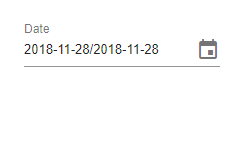
By Default Today's Date Will be highlighted.
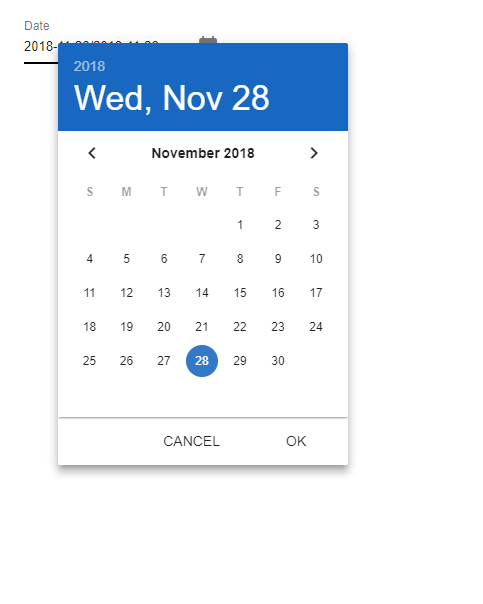
Selection Of Date range Example -1
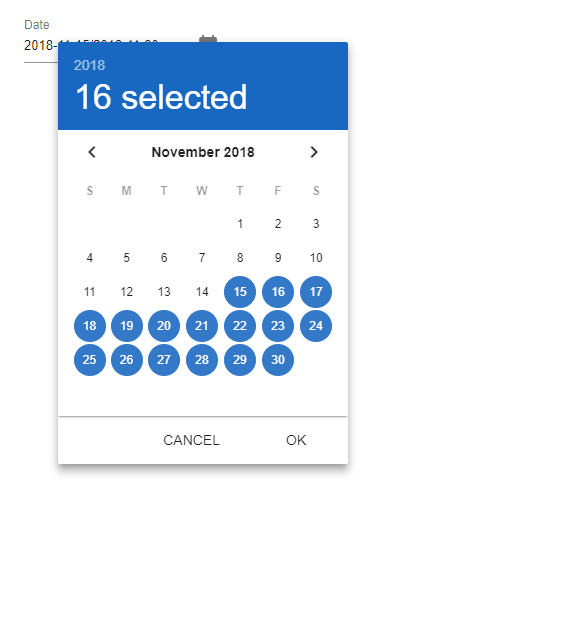
Selection Of Date range Example -2 (various months can also be selected)
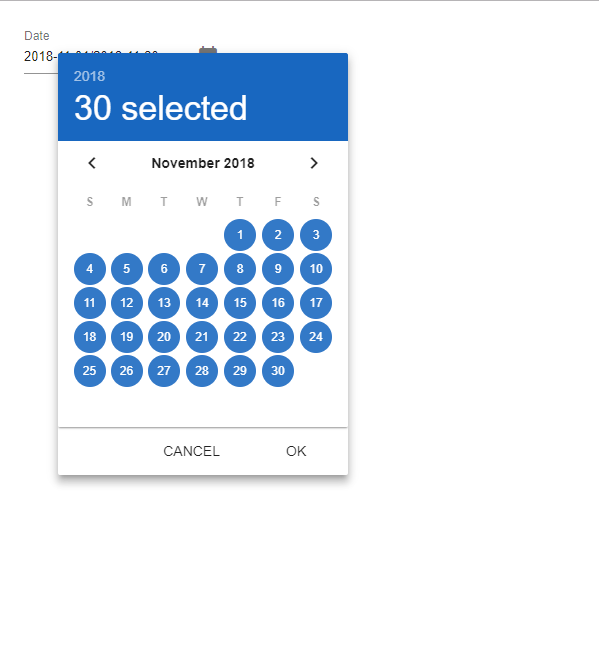
For various color just use the color attribute
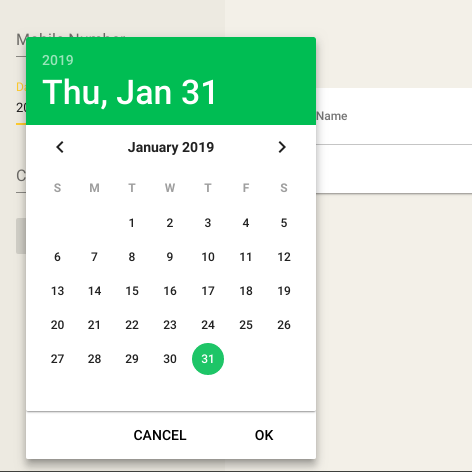
For disabled Date Range use the "MIN" "MAX" attributes.
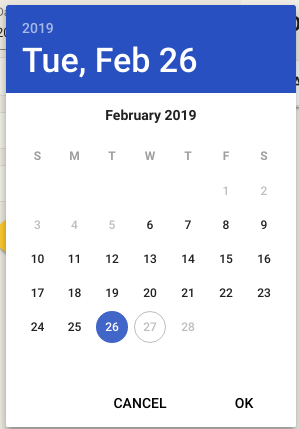
NOTE :
Make sure that you should unselect the selected date before initiating to next date selection.