npm install vum2.0vue-mobile - V2.0.0-alpha
> An UI Framework build with Vue.js
vum is update to vue@2.0! checkout to v0.1.1 for vue@1.x.
Click http://demo.getvum.com/#!/ or scan vcode to see live demos:

What is?
vue-mobile is an UI Framework build with Vue.js for SPA:
- Full Page Structure - header, content, footer
- Page transition support by vue-router
- Bunch of Powerful Components, easy to use and extend
- high performance CSS3 Animation
- 1px border for all components - as well as round border
- Write with Vue - the most important
Love Vue
Vue is the best View Layer Framework I have ever seen:
- Elegant API
- Two way binding, Components
- Easy to build large scale App
- Wonderful Components Organization.
Progress
- [x] Page
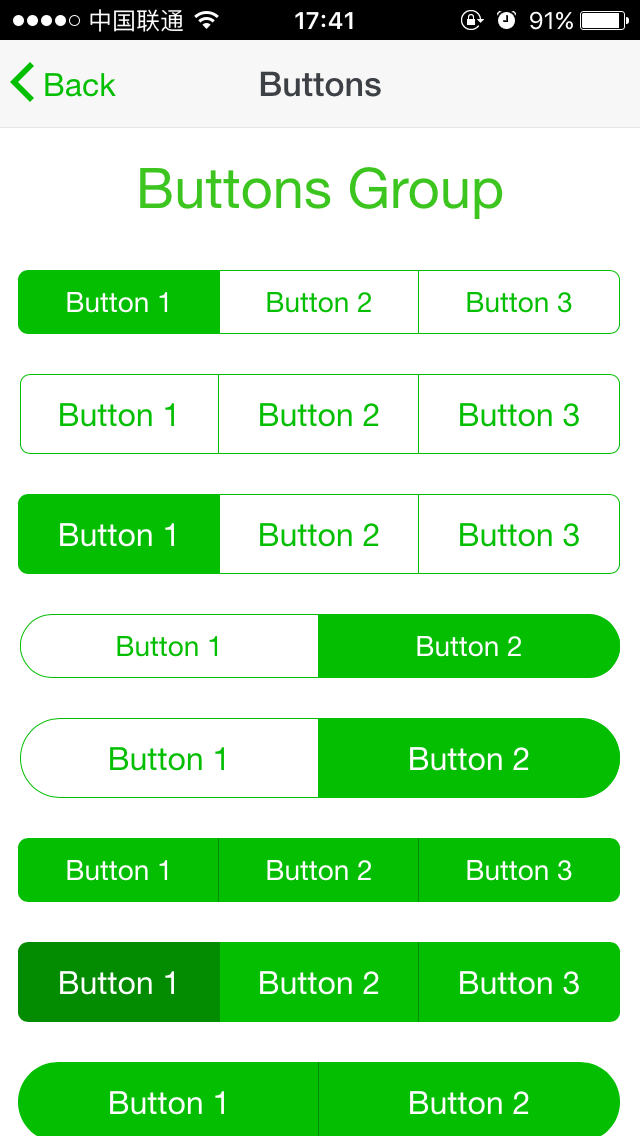
- [x] Buttons
- [x] Column
- [x] Grid
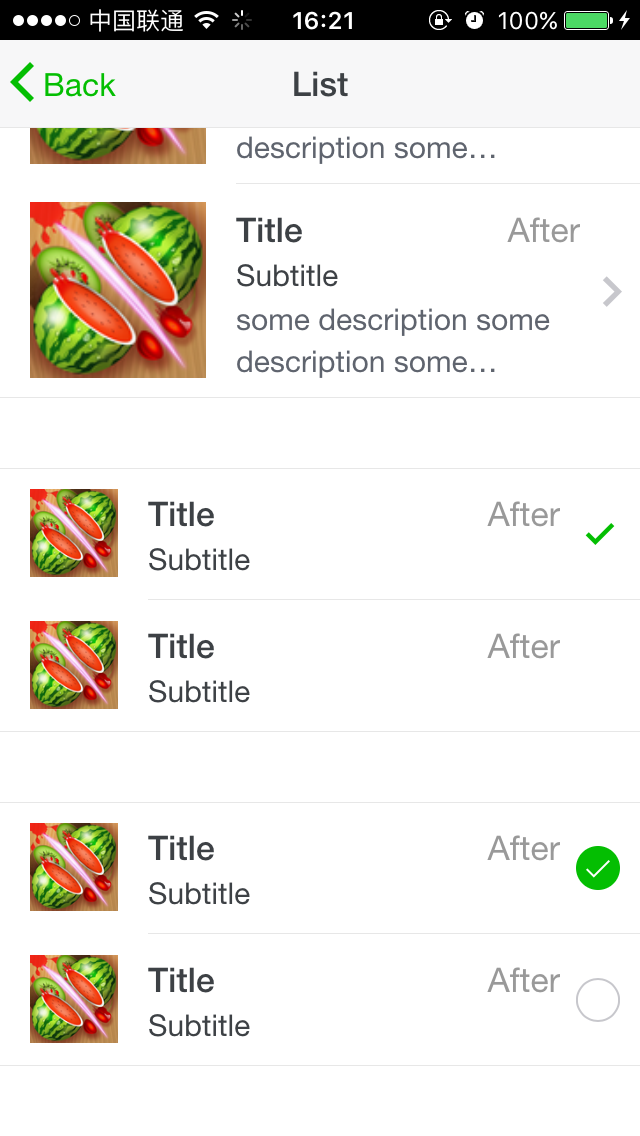
- [x] List
- [ ] Cards
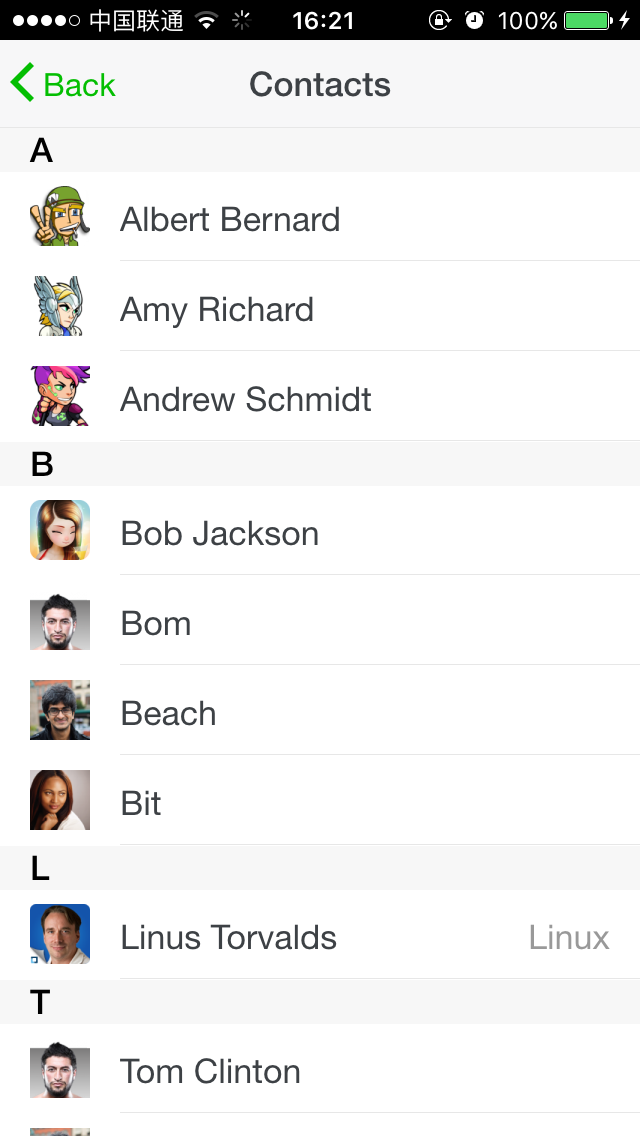
- [x] Contacts
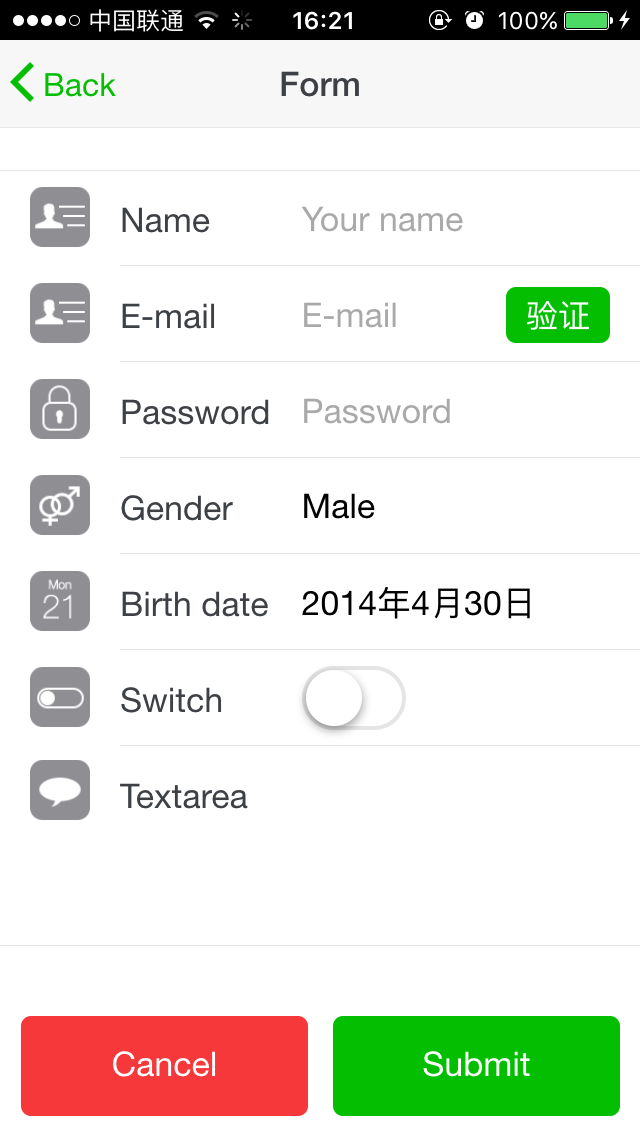
- [x] Form
- [x] Icons
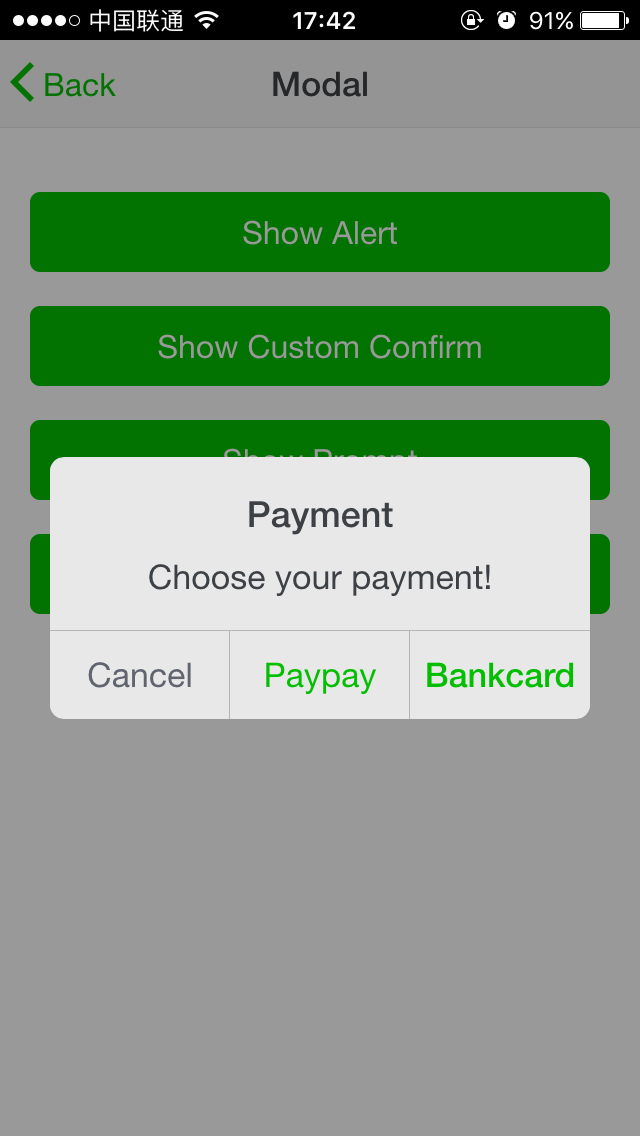
- [x] Modal
- [x] Preloader
- [x] Tab
- [x] Scroll
- [x] Popup
- [x] Actions
- [x] Toast
- [x] Search Bar
- [x] Calendar
- [ ] Photo Browser
- [x] Swiper
Build Setup
`` bashinstall dependencies
npm install
serve with hot reload at localhost:8080
npm run dev
build for production with minification
npm run build
run unit tests
npm run unit
`
For detailed explanation on how things work, checkout the guide and docs for vue-loader.
Get Start
Two way to create a project with vum?
$3
1. Clone this repo to your work dir
2.
 to install dependences
3.
npm run dev to run dev server with hot reload.
4. Open http://localhost:8088 in your browser, then you can see the demos
5. Change to dir src/demos, modify what you want, and remove unused pagesThat's all! You can do it :) Do not forget to reinit git.
$3
1. Create your project, vue-cli is recommend
2.
npm install vum in the root of your project
3. Import the components you wanted in src`Thanks
The css style of components comes from:
- Framework7
- Light7
- WeUI
- MSUI
- Ratchet
- vue-strap
And vui-mobile could never be completed without these:
- Vue
- vue-router
- Less
- Webpack
Stay In Touch
Please make sure that you have some knowledge about vue.js before join QQ group:
- QQ Group: 581532614
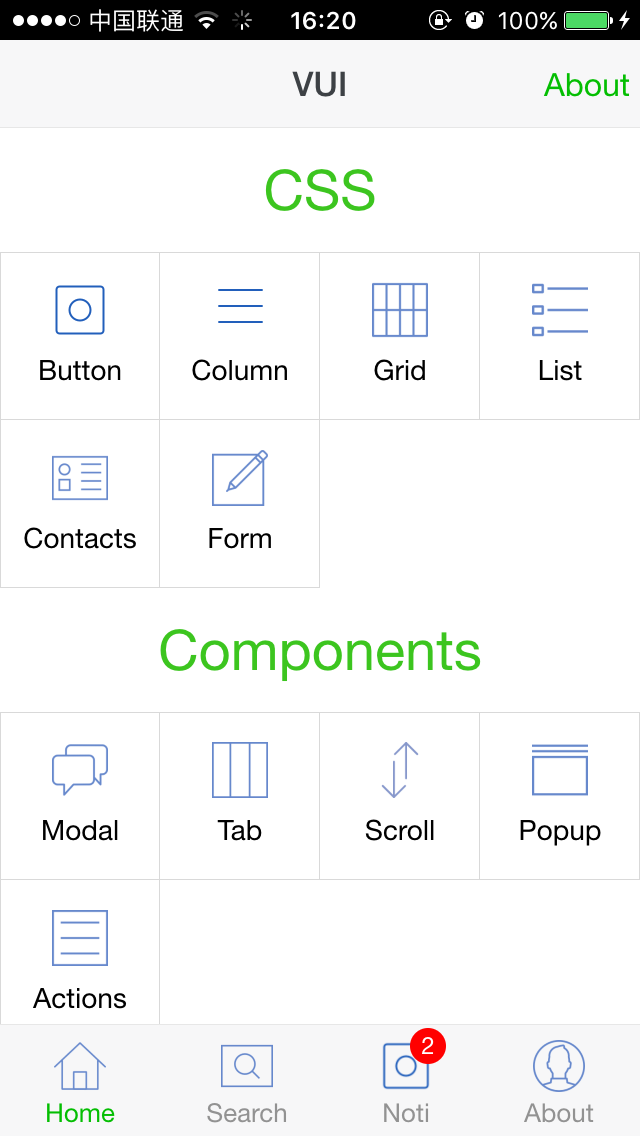
Screenshot