zircle
v1.5.4
A frontend library to develop zoomable user interfaces
93/weekUpdated 3 years agoMITUnpacked: 1.8 MB
Published by Juan Martín Muda
npm install zircleDist Tags
latest1.5.4
next1.3.0
rc.010.9.0-rc.1
rc.20.9.0-rc.2
rc.30.9.0-rc.3
rc.40.9.0-rc.4
rc.50.9.0-rc.5
rc.60.9.0-rc.6
rc.7

A frontend library to develop zoomable user interfaces.



Like it? Get involved, fork it or leave a star. 
Using Vue 3?
Check out zircleui/vue3 branch
Breaking news!
> I've been working on a new zooming engine.
>
> Give Zumly a try and joing our community at https://zumly.org!
What is zircle-ui?
Zircle-ui is an experimental frontend library to develop zoomable user interfaces (ZUI). It is based on vue.js and JavaScript and comes with a set of components to create unconventional user interfaces.
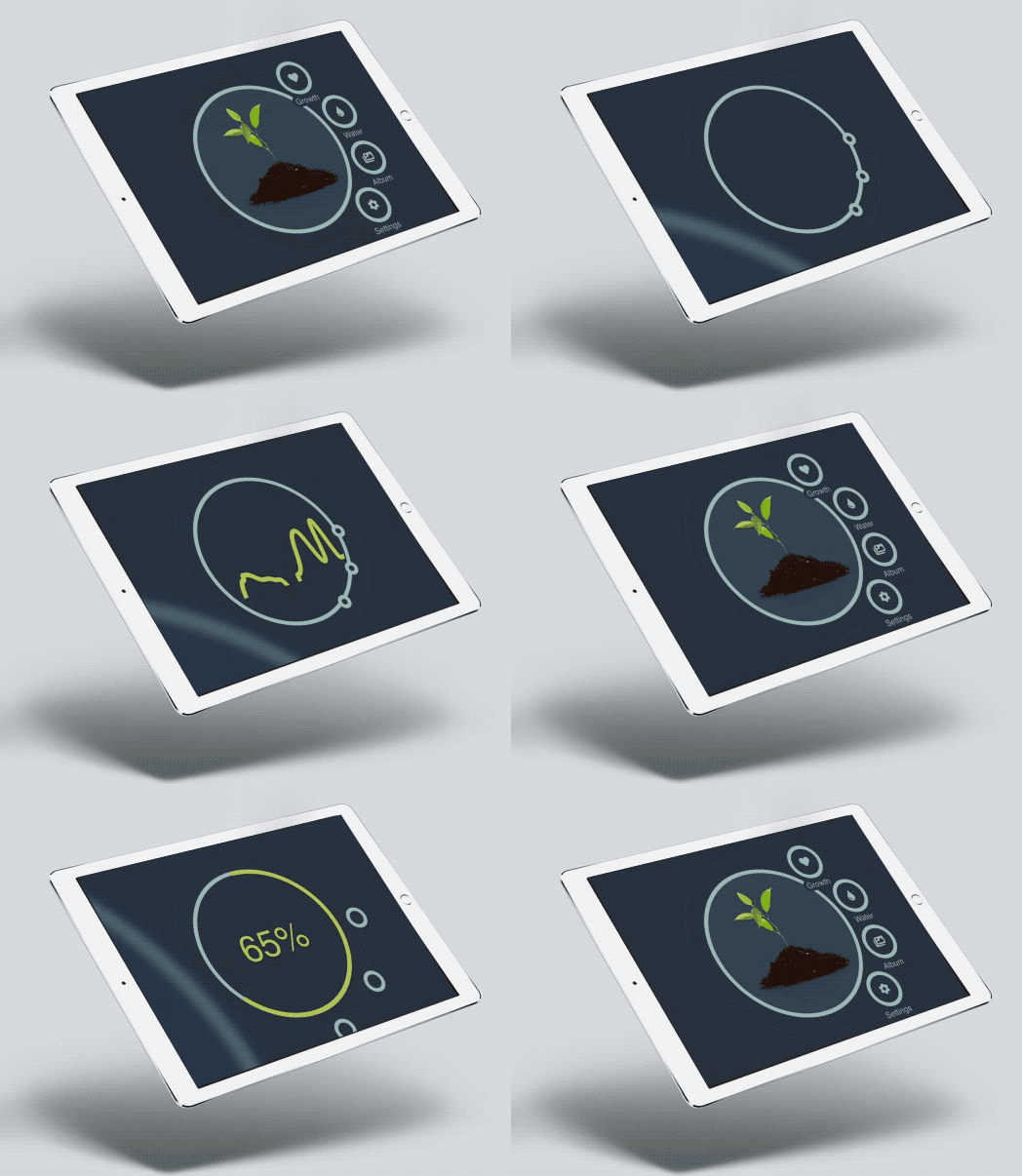
Features
- Zoomable UI/UX: Enjoy a different UI/UX with the built-in zoomable navigation.
- Circles everywhere: Breaking away from the conventional UI with a circular UI Kit.
- Responsive: zircle-ui works pretty well on mobile devices and big screens.
- Customizable themes: Aren't the integrated color themes enough? No problem, it is easy to create new ones.
- Zero-conf routes: Using Vue-router? Let zircle-ui handles the routes for you.
When to use zircle-ui?
You can try zircle-ui to develop a wide range of applications, such as: dashboards, health/fitness trackers, IOT hubs or controllers, contact management, information and entertainment, interactive menus, etc.
In general, using zircle-ui should be fine if your application is highly interactive and you need to intuitively view and control information without loosing the user’s attention.
About zircle-ui
Zircle-ui is the first Open Source Project I've made and it was possible thanks to the Open Source community, specially the Vue community. In retribution, I've created a project of the highest quality I could within my limitations since I'm not a professional developer.
Zircle-ui intends to promote approach in the universe of UIs. My main motivation is believing there is room for a new UI/UX not constrained to grid layouts or to squared shapes.
Zircle-ui was inspired by the idea underneath some really awesome projects and articles like prezi, impress.js, tizen, zoomooz, creativebloq's article, google maps, bootstrap, UIKit and bulma among others.
---
Table of contents
- Status
- Documentation, examples and tutorial
- Installation
* Direct download
* Content delivery networks (CDN)
* NPM or Yarn
- Quick Start
* Code Sandbox
* Browser
* Single File Components and vue-cli
- Contributing
- License
---
Status:
Despite zircle-ui could be considered stable, it will remains as beta for a while because I would like to hear feedbacks regarding its usability.
Documentation, examples and tutorial
Please checkout https://zircleui.github.io/docs/ to learn how to use zircle-ui. For early zircle-ui users a easy-to-follow migration guide is available here
Installation
$3
Just download zircle-ui from Github. You need to download the zircle.umd.js or the zircle.umd.min.js file along with the zircle.css file.
$3
Include
https://unpkg.com/zircle in your project with