@orillusion/core
v0.7.3-tooth.1TypeScriptDeprecated
Deprecated: This package has beed deprecated
Orillusion WebGPU Engine
0/weekUpdated 7 months agoMITUnpacked: 15.0 MB
Published by Orillusion
npm install @orillusion/coreOrillusion


Orillusion is a pure Web3D rendering engine which is fully developed based on the WebGPU standard. It aims to achieve desktop-level rendering effects and supports 3D rendering of complex scenes in the browser.
Need to know
Beta version, NOT recommended for any commercial application.
Contributing (ongoing)
WebGPU is the latest technology in the web domain and will play a crucial role in terms of 3D rendering as well as AI/LLM scenarios.
We aim to create a dedicated technical community for the WebGPU field, bringing together outstanding developers.
Hope more and more front-end developers could stay updated with the latest Web technologies NOT ONLY image slicing for web design.
Specifically, we will continuously update the excellent samples provided by open-source contributors, allowing everyone to see better works.
Hope it could help highlight the very talented individual developers within the community!
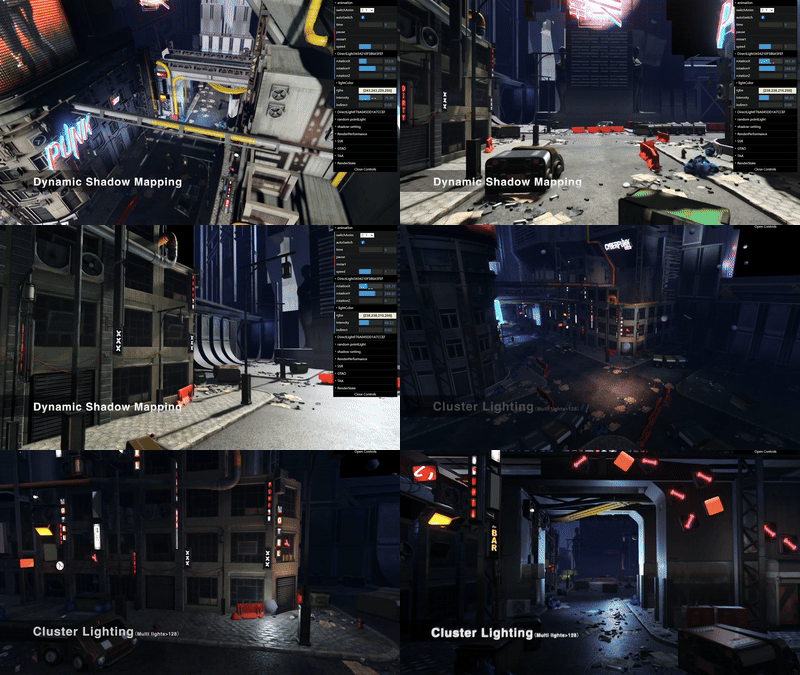
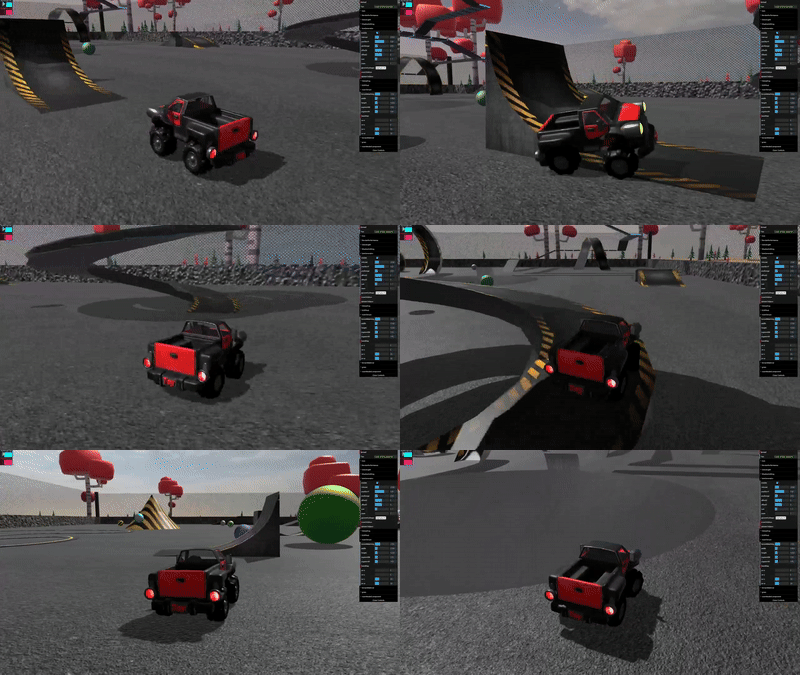
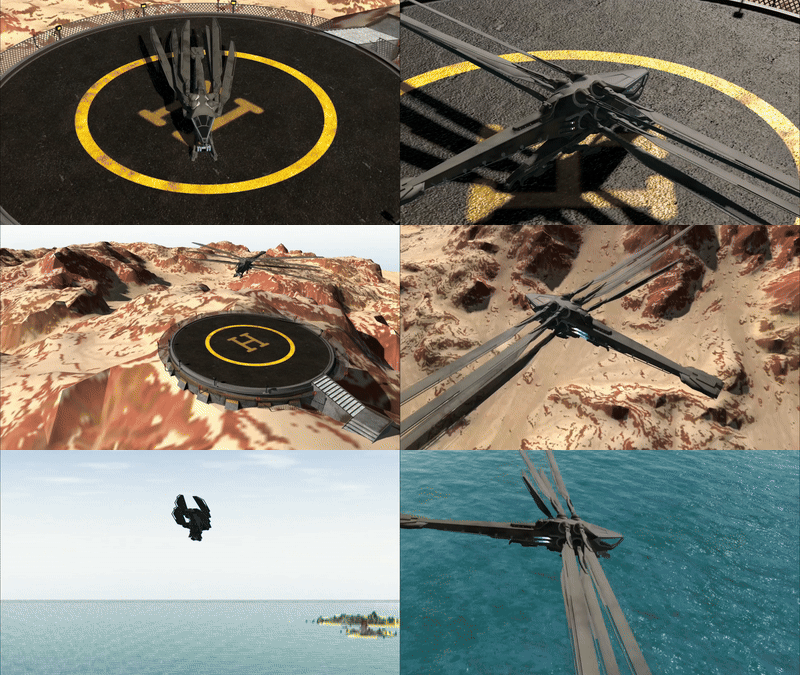
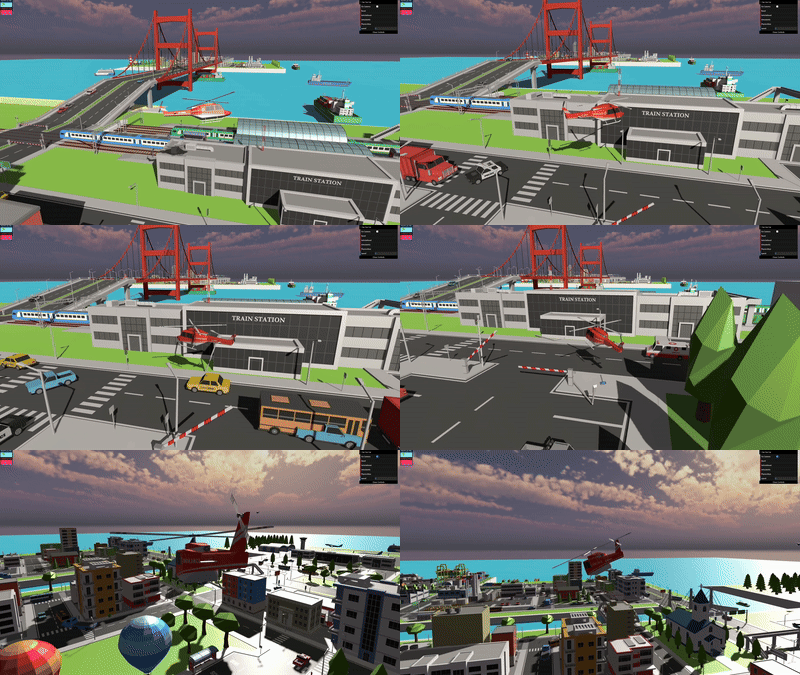
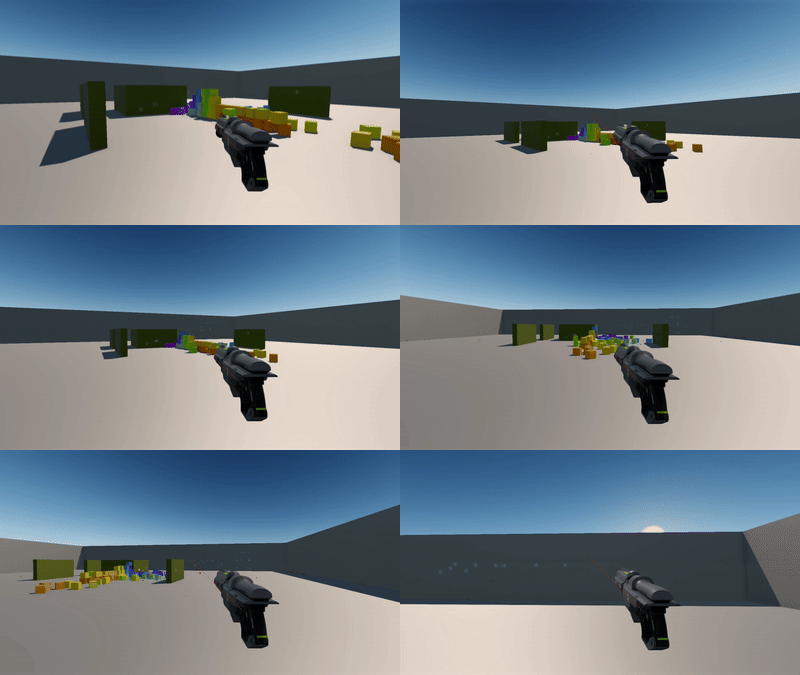


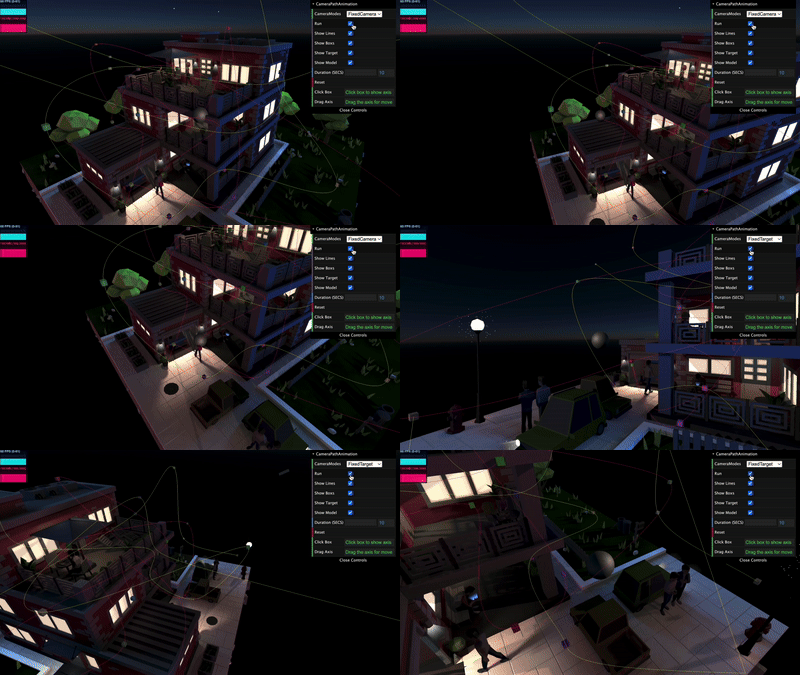

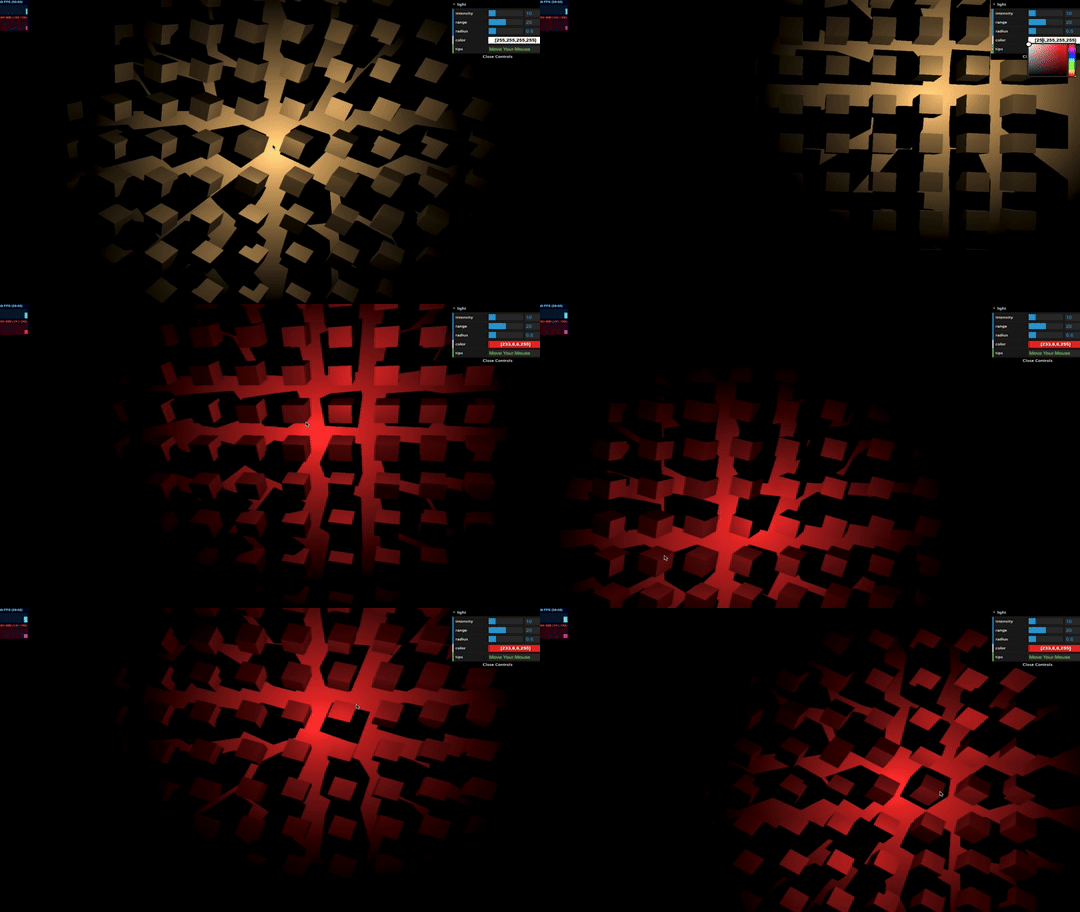


Install
$3
We recommend using front-end build tools for developing Web3D applications, such Vite or Webpack.
- Install dependencies:
``text`
npm install @orillusion/core --save
- Import on-demand:javascript`
import { Engine3D, Camera3D } from '@orillusion/core'
- Import globally:javascript`
import * as Orillusion from '@orillusion/core'
$3
In order to use the engine more conveniently, we support to use native
`
The above link loads the global build of , where all top-level APIs are exposed as properties on the global Orillusion object.- ESModule Build: We recommend using the ESModule way for development. As most browsers have supported
ES module, we just need to import the ES build version of orillusion.es.js
html
`- Import Maps: In order to manage the name of dependencies, we recommend using Import Maps
html
`Usage
$3
At the beginning, we need to use
and then the instance Engine3D will be created for further use`javascript
import { Engine3D } from '@orillusion/core'
Engine3D.init().then(()=>{
// Next
})
`
As is asynchronous, we recommend using async/await in the code
`javascript
import { Engine3D } from '@orillusion/core'
async function demo(){
await Engine3D.init();
// Next
}
demo()
`
$3
In default, will create a canvas the same size with the window. Also, we could create a canvas manually using tag