create-wdio
v9.21.0TypeScript
Install and setup a WebdriverIO project with all its dependencies in a single run
0/weekUpdated 2 months agoMITUnpacked: 1.3 MB
Published by WebdriverIO Team
npm install create-wdioWebdriverIO Starter Toolkit 
===========================

One command to create a fresh WebdriverIO project or add WebdriverIO to an existing project.
- Get Started Guide - How to get started with WebdriverIO
- Supported Options - command line parameters
create-wdio works on macOS, Windows, and Linux.
If something doesn’t work, please file an issue.
If you have questions or need help, please ask in our Discord Support channel.
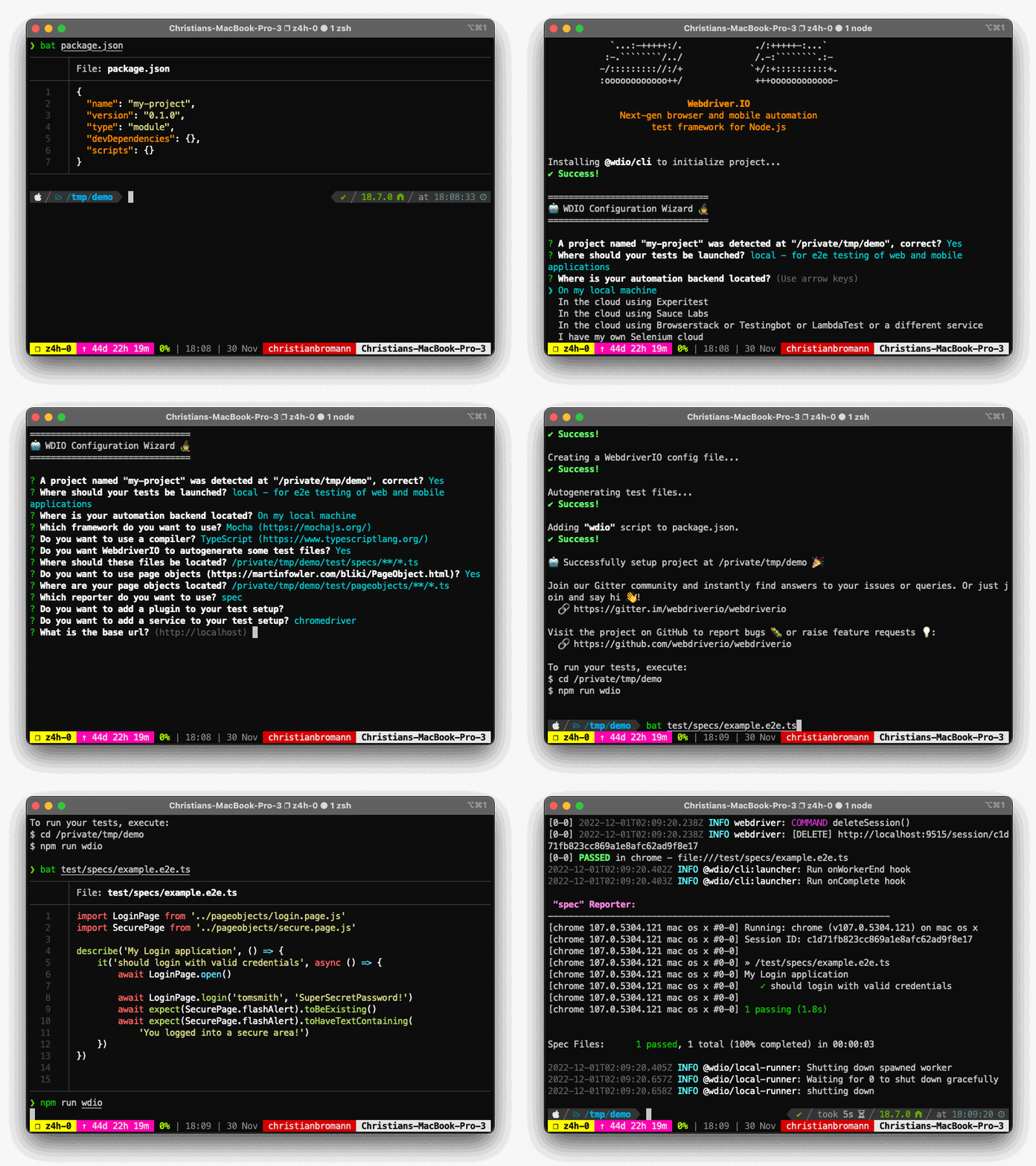
Usage
To install a WebdriverIO project, you may choose one of the following methods:
#### npx
``sh`
npx create-wdio@latest ./e2e
_npx is a package runner tool that comes with npm 5.2+ and higher, see instructions for older npm versions_
#### npm
`sh`
npm init wdio@latest ./e2e
_npm init
#### yarn
`sh`
yarn create wdio@latest ./e2e
_yarn create
#### pnpm
`sh`
pnpm create wdio ./e2e
_pnpm create
It will create a directory called e2e inside the current folder.
Then it will run the configuration wizard that will help you set-up your framework.
Supported Options
You can pass the following command line flags to modify the bootstrap mechanism:
* --dev - Install all packages as devDependencies (default: true)--yes
* - Will fill in all config defaults without prompting (default: false)--npm-tag
* - use a specific NPM tag for @wdio/cli package (default: latest`)
----
For more information on WebdriverIO see the homepage.