This package makes it possible to use preprocessors and css modules on docz
Docz plugin to parse css files inside your documents
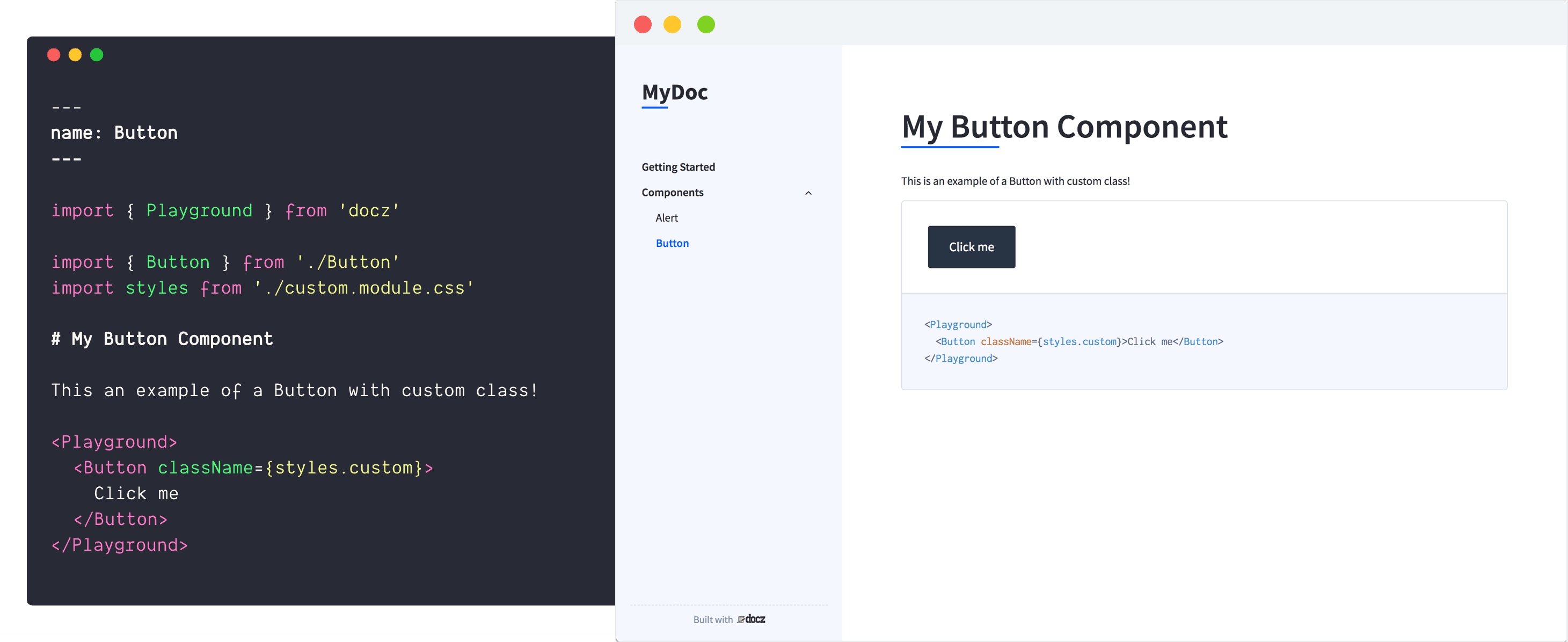
First of all, install plugin:
``bash`
$ yarn add docz-plugin-css --dev
After that, use the plugin on your doczrc.js:
`js
// doczrc.js
import { css } from 'docz-plugin-css'
export default {
plugins: [
css({
preprocessor: 'postcss',
cssmodules: true,
loaderOpts: {
/ whatever your preprocessor loader accept /
}
})
]
}
`
Do you can choose how preprocessor your bundler will use just by changing the preprocessor property at the plugin definition:
`js
// doczrc.js
import { css } from 'docz-plugin-css'
export default {
plugins: [
css({
preprocessor: 'sass'
})
]
}
`
To use css modules, just turn on cssmodules property on your project configuration:
`js
// doczrc.js
import { css } from 'docz-plugin-css'
export default {
plugins: [
css({
preprocessor: 'sass',
cssmodules: true
})
]
}
`
After that, to import styles from css modules, just use .module.{preprocessor-ext} on your files
`markdown
---
name: Button
----
import { Playground } from 'docz'
import { Button } from './Button'
import { styles } from './styles.module.css'
Example of Button component with custom class!
`
If you don't pass .module in front of the preprocessor extension, bundler will don't parse your css as cssmodule!
You can still use multiple pre-processor together in the same configuration:
`js
// doczrc.js
import { css } from 'docz-plugin-css'
export default {
plugins: [
css({ preprocessor: 'sass' }),
css({ preprocessor: 'stylus' }),
]
}
`
#### preprocessor
- Type: postcss | sass | less | stylus
- Default:
Use to define the preprocessor you want to use
#### cssmodules
- Type:
- Default:
Use this option if you want to use css modules
#### loaderOpts
- Type:
- Default:
Custom options passed on pre-processor loader configuration
#### cssOpts
- Type:
- Default:
Custom options passed on css-loader configuration